
7 Lesser-Known Apps That Will Completely Change How You Organize Your Day
 Sparkup Media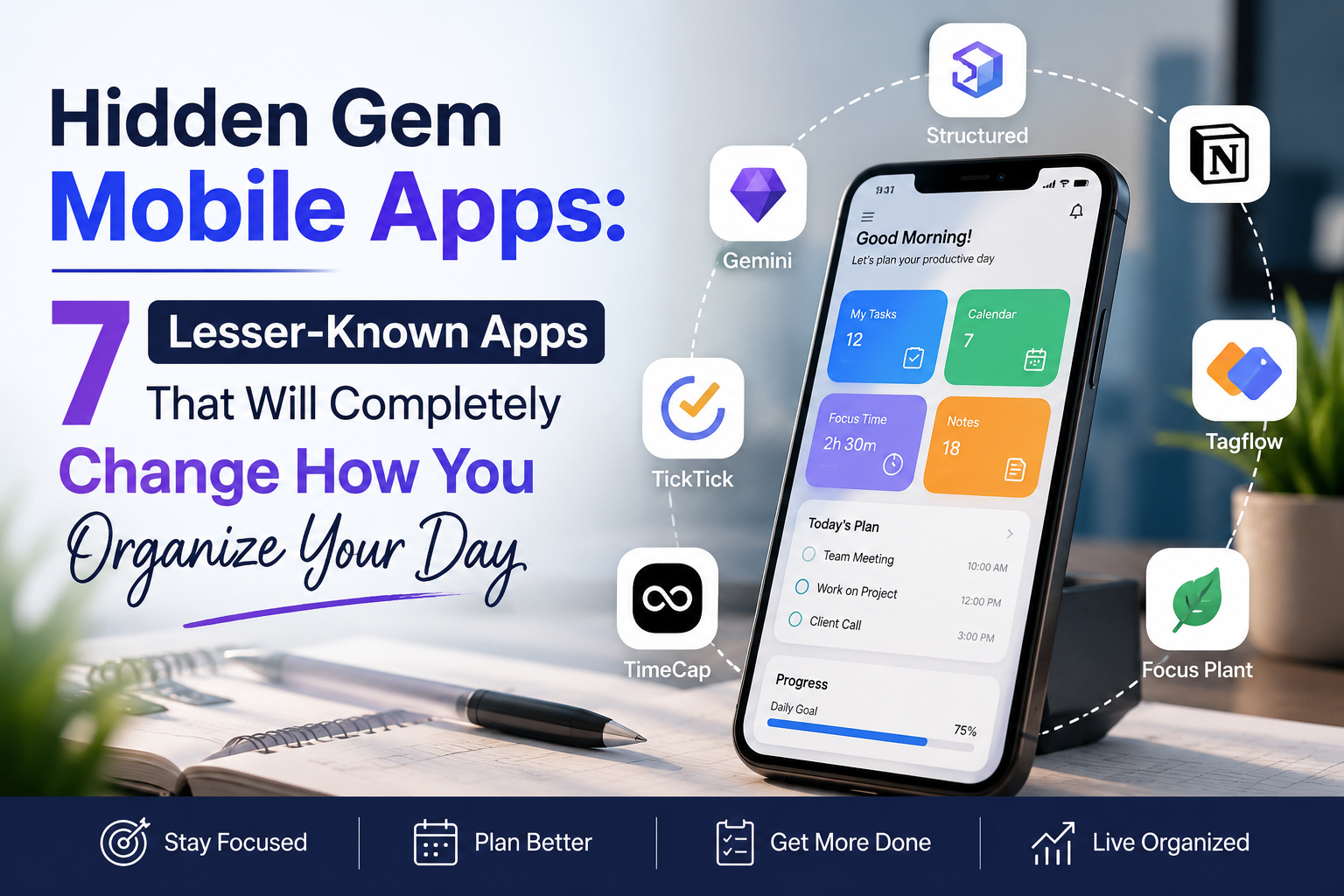
Everyone knows Notion. Everyone’s tried Todoist. Google Calendar runs half the world’s meetings, and Trello’s boards have colonized every workplace on earth. These are good tools — but they’re also the productivity equivalent of ordering the same dish at every restaurant. They work well enough that most people never look past them, which means the apps quietly solving specific organizational problems never get discovered.
That’s a shame, because some of the most interesting work in productivity software right now isn’t happening at the big, all-purpose platforms. It’s happening in small, focused apps built by people who got frustrated with existing tools and decided to fix one problem really, really well. Below are seven of those apps — genuinely useful, comparatively under-the-radar, and each capable of reshaping how you move through your day.
1. Sunsama — For People Who Plan Too Much and Finish Too Little
If your problem isn’t a lack of task-management tools but too many of them — tasks scattered across Slack, email, Asana, Trello, and three different notes apps — Sunsama exists to solve exactly that. It’s a daily planner built around a guided morning ritual: you pull tasks in from your other tools, look honestly at how much time you actually have, and build a realistic day instead of an aspirational one.
What makes it different: Most to-do apps let you pile on infinite tasks with zero accountability for your actual bandwidth. Sunsama pushes back. It nudges you to add time estimates to each task, then visually shows you when your list has overflowed what a real day can hold — a small design choice that ends up saving people from the chronic over-scheduling that makes so many to-do lists feel like a source of guilt rather than help. The day ends with a short “shutdown ritual,” a prompt to reflect on what got done and consciously close the workday, which is oddly effective at stopping work from bleeding into your evening.
Best for: Freelancers, consultants, and anyone juggling tasks across too many disconnected tools who wants one calm, honest view of “today.”
Worth knowing: It integrates with tools like Gmail, Slack, Asana, Trello, and Todoist, so it acts as a control tower rather than another silo. It isn’t free, but most people who stick with it past the first guided week say the ritual becomes the whole point.
2. Amazing Marvin — For People Whose Brain Needs a Custom-Built System
Amazing Marvin doesn’t try to be the simplest app on your phone. It tries to be the most adaptable one — a task manager built on the idea that no single productivity method works for everyone, so instead of picking one, it gives you dozens of optional “strategies” (Eisenhower matrix views, time-boxing, spaced repetition for recurring tasks, gamified point systems, focus timers) and lets you switch them on individually until your setup actually fits how your brain works.
What makes it different: Most task apps assume a single correct workflow and expect you to adapt to it. Marvin flips that: it’s genuinely built around behavioral psychology principles, and it’s become something of a word-of-mouth favorite in ADHD and neurodivergent productivity communities specifically because it lets you bolt on structure exactly where you personally struggle — whether that’s task initiation, time-blindness, or motivation — without forcing structure everywhere else.
Best for: People who’ve tried multiple productivity apps and abandoned all of them because none quite matched how they actually think.
Worth knowing: The flexibility is a double-edged sword — the first week can feel overwhelming, and it rewards people willing to spend a little time configuring it. There’s no permanently free plan, but there’s a trial, and the payoff for people who invest the setup time is usually a system that finally sticks.
3. Structured — For Visual Thinkers Who Hate Lists
Some people don’t think in lists — they think in shapes and timelines. Structured is built for them. Instead of a scrolling to-do list, your entire day appears as a clean, color-coded vertical timeline, with each task or event occupying a visual block sized to how long it will actually take.
What makes it different: The single biggest source of daily friction for a lot of people isn’t deciding what to do — it’s the constant low-grade anxiety of “what should I be doing right now?” A timeline view answers that at a glance in a way a checklist simply can’t. You can see gaps, see collisions, see whether you’ve overpacked the afternoon, all without reading a single line of text. It syncs with your calendar, supports recurring tasks and templates, and adding something new takes seconds rather than a multi-field form.
Best for: Visual planners, people who find list-based apps mentally exhausting, and anyone who’s ever opened a to-do app and immediately closed it again out of overwhelm.
Worth knowing: It’s intentionally simpler than tools like Sunsama or Notion — there’s no deep integration ecosystem or guided ritual, just a fast, elegant way to see your day. That simplicity is the entire selling point.
4. Tiimo — For Days That Need Gentler Structure
Tiimo was built specifically with neurodivergent users in mind — particularly people with ADHD and autism — but its actual audience has turned out to be much broader, because “gentle, visual structure” turns out to be something almost everyone benefits from on a bad day. Routines and tasks show up as icon-based visual blocks with soft color coding, and reminders are designed to nudge rather than nag.
What makes it different: Most reminder systems are built around urgency — red badges, insistent pings, guilt-inducing overdue counts. Tiimo is built around the opposite instinct: reduce cognitive load and anxiety while still providing real structure. Routines can be broken into small visual steps (useful for anything from a morning routine to a multi-stage work task), and the whole interface is designed to be scanned quickly rather than read carefully, which matters enormously on days when focus is already in short supply.
Best for: Anyone who finds traditional to-do lists stressful rather than helpful, not just neurodivergent users — parents managing chaotic mornings and shift workers with irregular schedules report similar benefits.
Worth knowing: It leans heavily into daily routines and time-based visual scheduling rather than long-term project management, so it pairs well with a separate tool for big-picture planning if you need one.
5. Routinery — For Building Habits That Actually Stick
Most habit trackers are really just glorified checkboxes — you tap “done,” a streak number goes up, and that’s the entire interaction. Routinery does something more useful: it turns a routine into a guided, step-by-step sequence you actually walk through, complete with built-in timers for each step, so a “morning routine” isn’t just a vague intention but an actual sequence you’re led through in real time.
What makes it different: The gap between wanting a habit and actually doing the habit is where most routines die. Routinery closes that gap by making the routine itself interactive — you open the app, and it walks you through step one, then step two, timing each phase, rather than leaving execution entirely up to willpower. It’s less “track that you did it” and more “help you do it.”
Best for: Anyone trying to build a consistent morning, evening, workout, or wind-down routine and struggling with follow-through rather than intention.
Worth knowing: It’s narrower in scope than the other apps here by design — it’s not trying to manage your whole task list, just the recurring sequences that make up the shape of your day. That narrowness is exactly why it works so well for the specific problem it targets.
6. Minimalist Phone — For When the Problem Is the Phone Itself
Sometimes the biggest obstacle to organizing your day isn’t a missing app — it’s the twenty apps already fighting for your attention every time you unlock your screen. Minimalist Phone is a launcher (an Android home-screen replacement) that strips your phone down to a plain, text-based list of the apps you actually use, hiding everything else out of sight and out of temptation.
What makes it different: It doesn’t try to add another layer of productivity features on top of an already-cluttered phone. It removes the clutter instead. No icons, no widgets, no algorithmic feeds staring at you the second you glance at your screen — just a calm, minimal list. For a lot of people, this does more for daily focus than any task app could, because it addresses the actual mechanism of distraction rather than trying to out-compete it with reminders.
Best for: Anyone who’s tried focus apps, app blockers, and screen-time limits and still finds themselves reflexively opening the same three time-sinks throughout the day.
Worth knowing: It’s Android-only, and it’s a genuinely different category from the other apps on this list — it won’t plan your day for you, but it can meaningfully increase the number of intentional hours you have available to actually use the other six.
7. Routine — For One Simple, Uncluttered Home Base
Routine occupies a useful middle ground: lighter than Notion, more structured than a bare notes app, and built around the idea that tasks, notes, and your calendar should live in one place without turning into a sprawling database you have to maintain. There’s no elaborate setup, no template gallery to wade through — just a clean surface where your day’s information sits close at hand.
What makes it different: A lot of “all-in-one” tools solve the fragmentation problem by becoming enormous, which just creates a new kind of overwhelm. Routine deliberately stays lightweight, which makes it a genuinely good fit for people who want fewer apps open at once but don’t want the complexity that usually comes with consolidation.
Best for: Anyone who wants a single, calm home base for the day’s tasks, notes, and schedule without committing to building out a full second-brain system.
Worth knowing: Not every corner of the app is fully polished yet, and power users of tools like Notion may eventually outgrow it — but for day-to-day use, its restraint is exactly the point.
How to Actually Pick One
With seven options, the temptation is to try to combine all of them — resist that. Each app here solves a specific kind of friction, and stacking too many tools recreates the exact fragmentation problem you’re trying to escape. A better approach:
- If your problem is over-scheduling and burnout → Sunsama
- If your problem is that no system has ever quite fit how you think → Amazing Marvin
- If your problem is that lists overwhelm you but timelines don’t → Structured
- If your problem is that structure feels stressful, not helpful → Tiimo
- If your problem is knowing what to do but never actually doing it → Routinery
- If your problem is the phone itself, not any specific app → Minimalist Phone
- If your problem is wanting one calm place without a big setup project → Routine
Pick the one that matches your actual friction point, not the one with the most features. And give it at least a week before judging — most of these apps are designed around small daily rituals, and rituals only start to show their value once they’ve become a habit rather than a novelty. The best productivity app isn’t the one with the longest feature list. It’s the one quiet enough that you actually keep using it.
About the Author